
The login screen works. You enter your email, a magic link arrives, you land in the dashboard. The AI that built your app wrote all of it, and on the surface it is flawless. So you move on to the next feature.
Here is what the demo did not test. Once someone is logged in, what stops them from reading the account next to theirs? In most AI-generated apps, the honest answer is nothing.
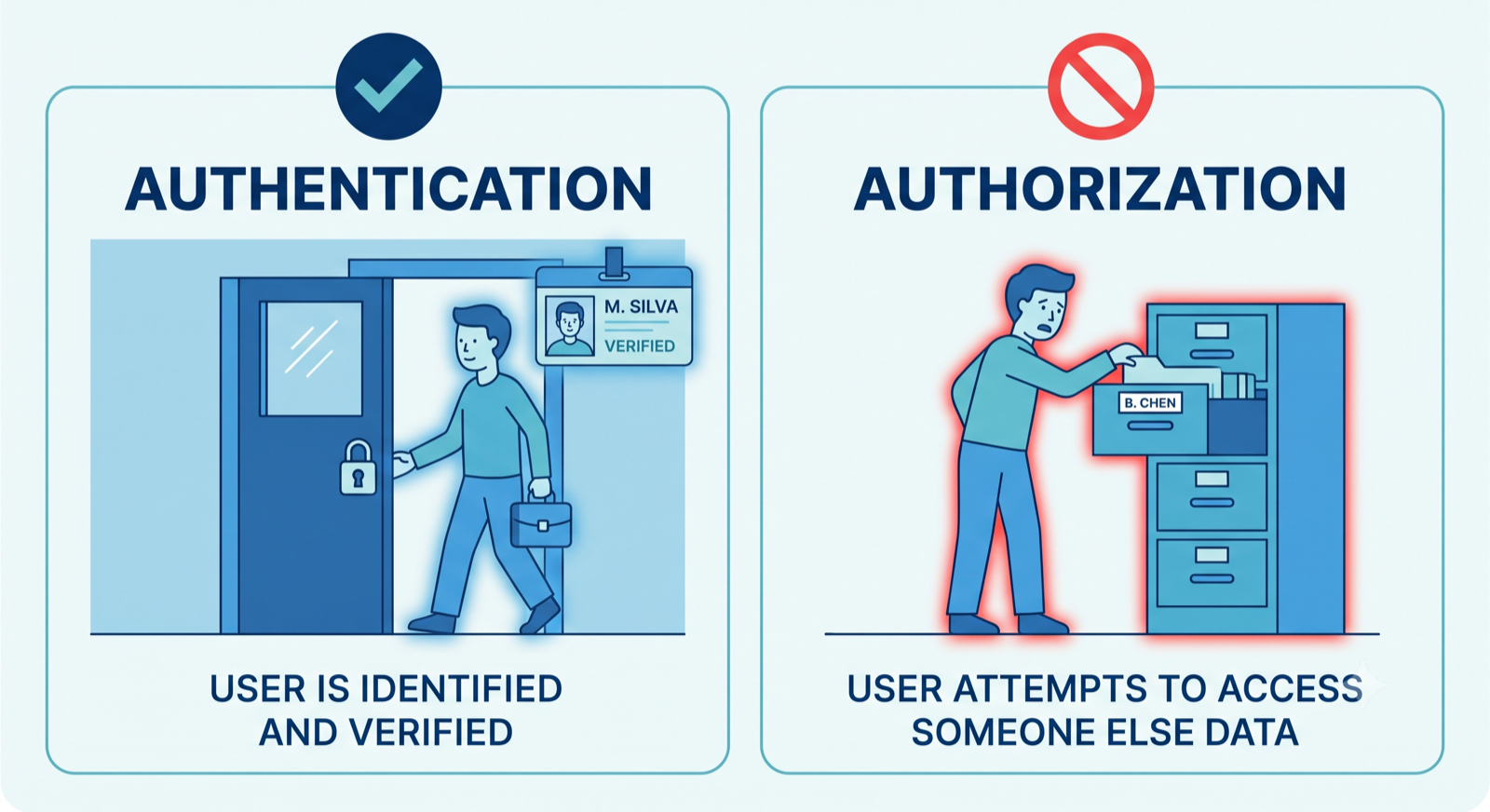
Authentication and authorization sound like the same word. They are not, and the gap between them is where generated code quietly fails.
Two different questions
Authentication answers “who are you.” It checks the password, issues the session, remembers you between visits. Generated code is usually good at this, because it is the visible part and the part every tutorial covers.
Authorization answers a harder question: “you are logged in, but are you allowed to do this specific thing to this specific record.” That check has to happen on every request, on the server, for every object the user touches. It is invisible in a demo, because in a demo there is only one user and everything belongs to them.
An AI model writes to the demo. It builds the happy path where the logged-in person owns everything they see. The moment a second real user exists, the missing check becomes a door.
The three places it breaks
Across AI-built applications, the same three gaps show up again and again.
Object-level access on fetch. The app requests a record by its ID, for example /api/invoice/1042. The generated endpoint returns invoice 1042 to anyone who is logged in, without checking that it belongs to the person asking. Change the number, get someone else’s invoice. This is the single most common serious flaw in web APIs, and it has a name in the OWASP API Security Top 10: Broken Object Level Authorization.
Trusting the client on roles. The frontend sends something like role: "admin" or hides the delete button for normal users. But hiding a button is not security. If the server accepts a role claim from the browser, or simply never re-checks the role, a user can send the request the button would have sent and the server obeys.
No limits on expensive actions. Password reset emails, invite sends, anything that costs money or sends a message. Generated code rarely rate-limits these. One script can send thousands of emails from your domain in minutes, which burns your sender reputation and your budget at the same time.
Why the model wrote it this way
The model did exactly what it was asked. It was asked for a working feature, and a working feature, tested by one person, does not reveal a missing ownership check. The instruction “let a user see their invoice” and the instruction “stop a user seeing someone else’s invoice” are two different requirements, and only the first one was ever stated.
This is not the model being careless. It is the model optimizing for the goal in front of it. Security is the requirement nobody writes down, so it is the requirement that gets skipped.
How to check without a full audit
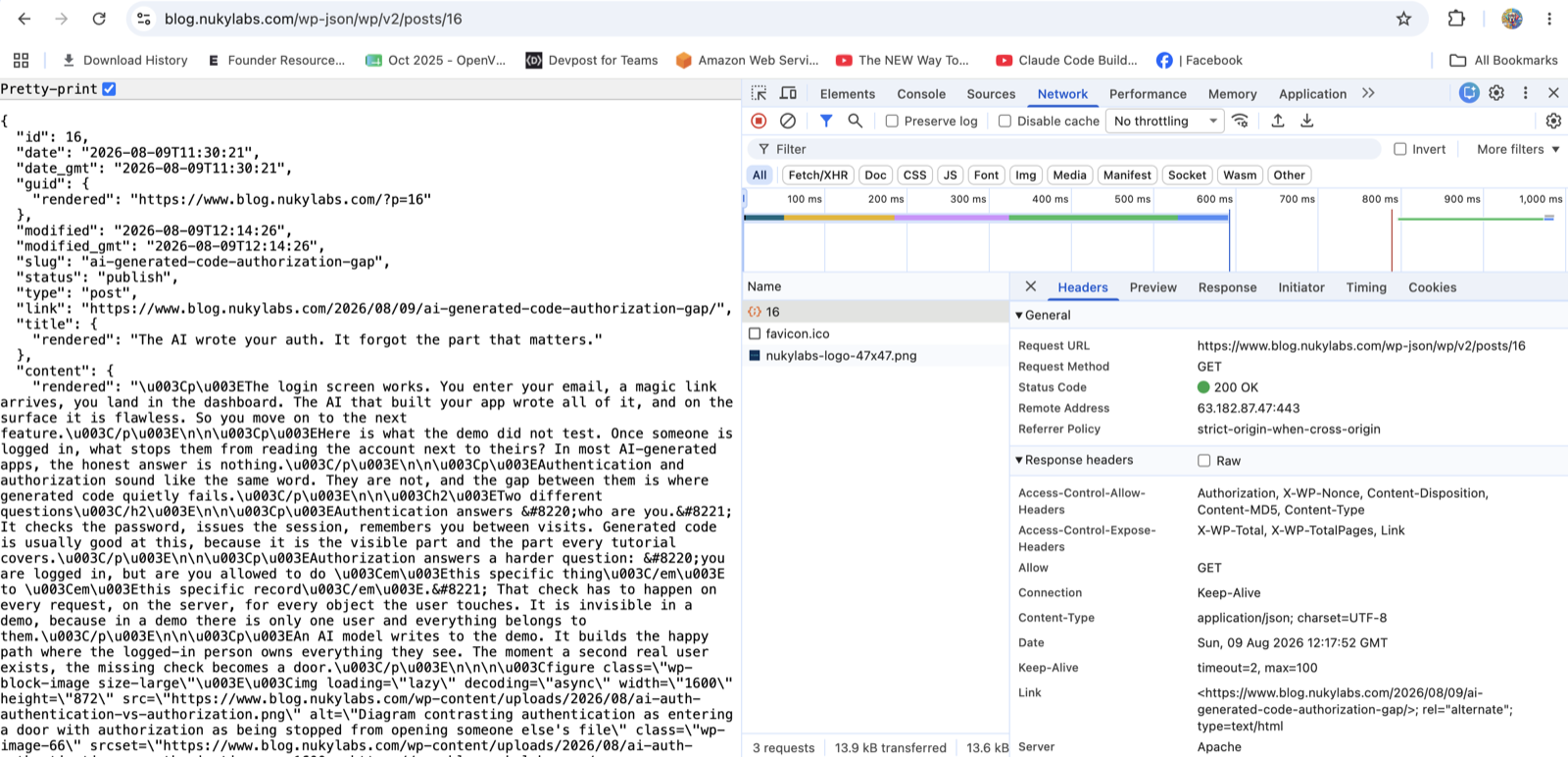
You can find the worst of it yourself. Log in as a normal test user, open the Network tab, and watch the requests your app makes. Find one that fetches a record by an ID in the URL or body. Change that ID to a neighbouring value and resend it. If you get back data that is not yours, you have found a Broken Object Level Authorization bug, and you have found it before someone else did.
Do the same for a destructive action. Try to delete or edit a record that belongs to a different test user. If the server lets you, the button being hidden was the only thing protecting it.
Closing the gap
The fix is not exotic. Every endpoint that touches a record checks ownership on the server before it does anything. Roles are decided on the server, never trusted from the client. Actions that send or spend are rate-limited. These are well-understood patterns, and applying them to an existing app is scoped, finite work, not a teardown.
The login working told you the front door has a lock. It said nothing about the doors inside. Those are the ones worth checking now, while your user count is small and the fix is cheap.
If you want a second set of eyes confirming your authorization is enforced everywhere it should be, that is a defined review NukyLabs can run against your codebase.
Facing this in your own build?
NukyLabs helps founders take AI-generated apps, agents, and automations from a working demo to something that survives real users. If any of the above hit close to home, we can scope it with you.
Get a free consultation →or message us to talk through your project.